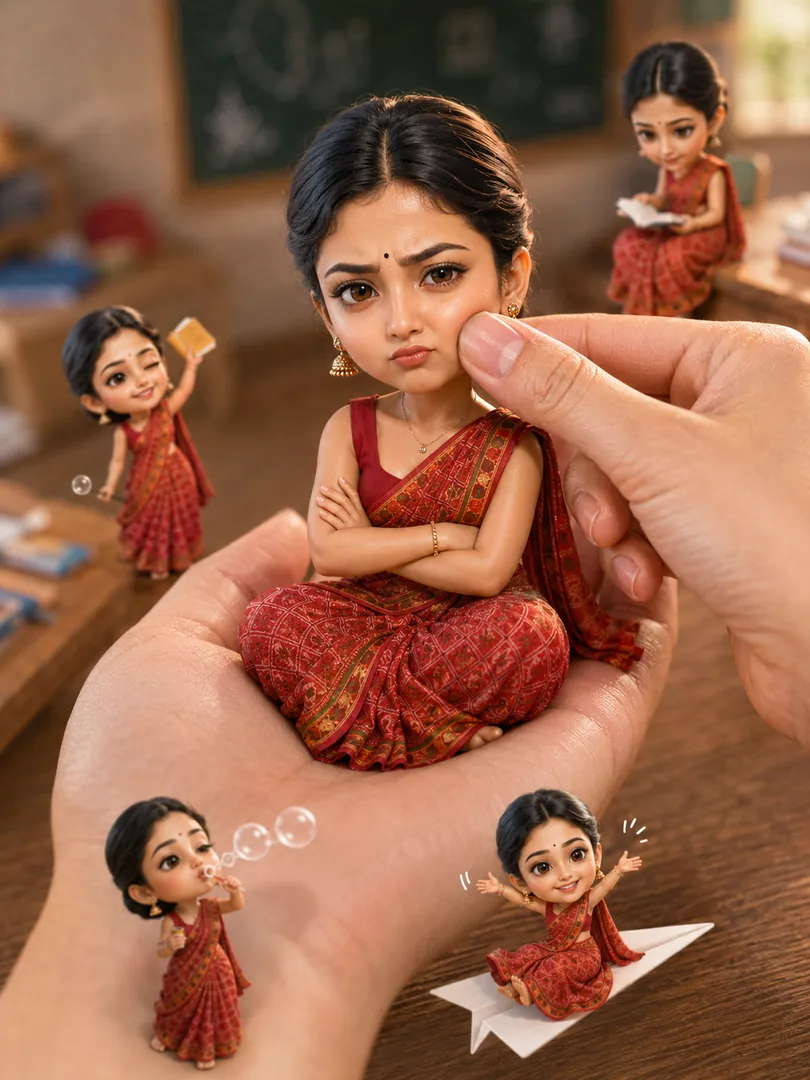
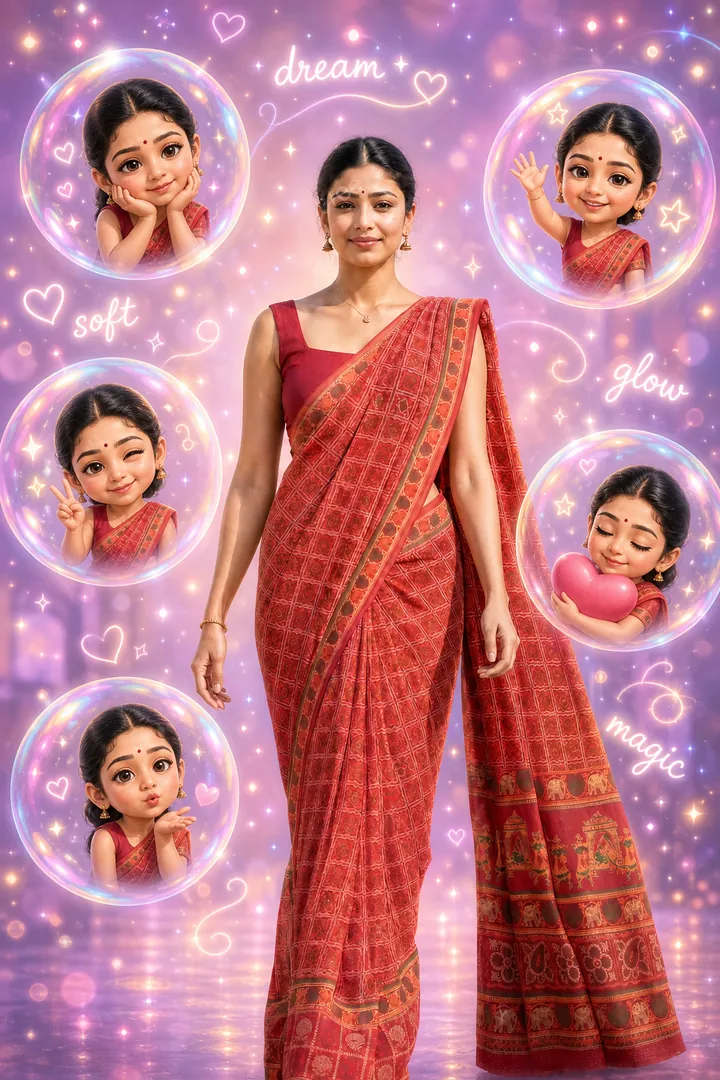
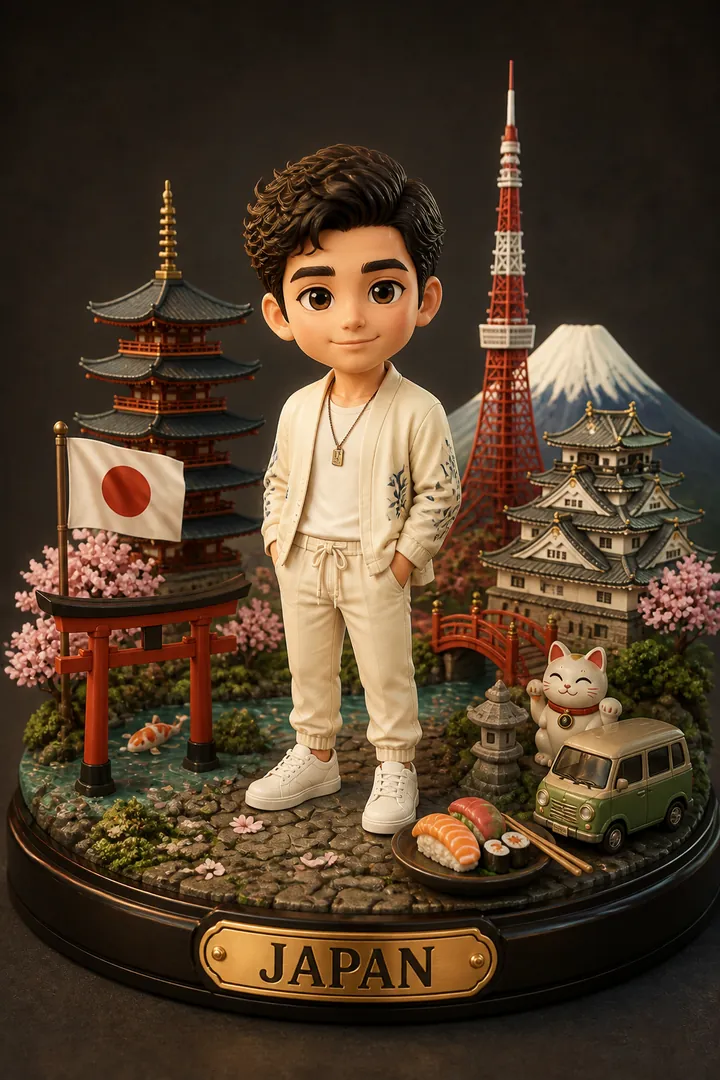
Chibi stickers — big-head, tiny-body cartoon versions of you — are everywhere on WhatsApp, Instagram and status updates. The good news: you don't need any design skills or a drawing tablet to make them. With Trendy AI Lab you upload one selfie and the app generates a full chibi sticker collage for you in seconds.
What is a chibi sticker?
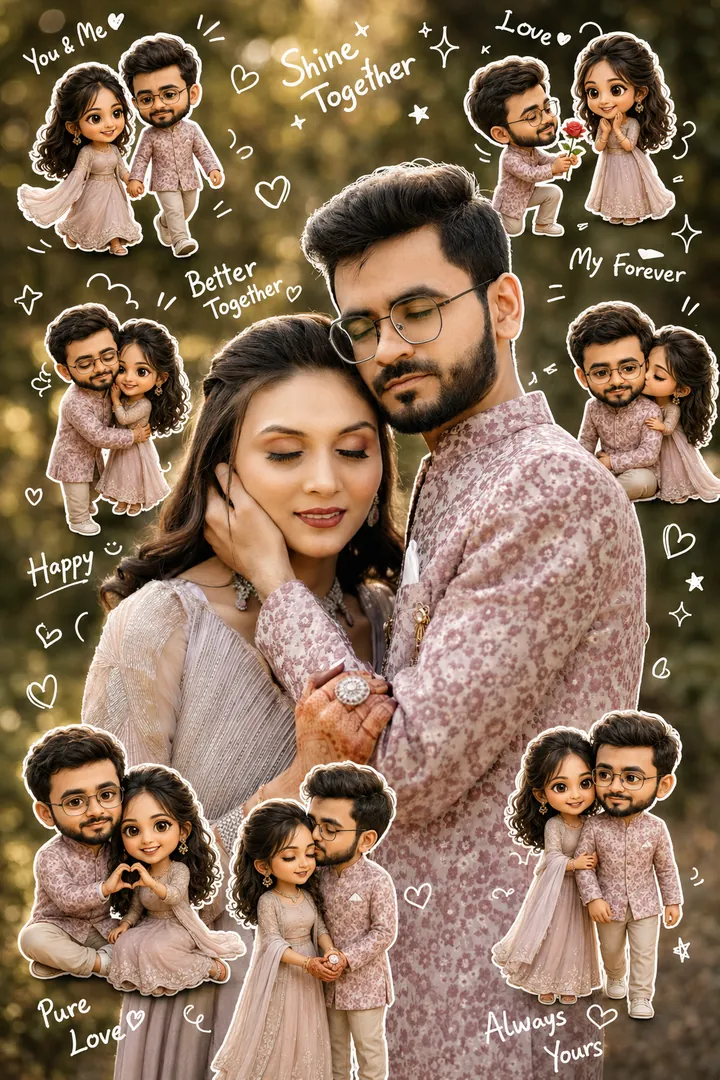
"Chibi" is a Japanese art style that exaggerates cute features — an oversized head, big expressive eyes and a small rounded body. A chibi sticker collage takes that a step further: several mini versions of you in different poses, with playful doodles, hearts, stars and short captions arranged into one shareable image.
How to make one in three taps
- Pick the chibi style. Open the app and choose a look from the Chibi & Fun collection.
- Upload a selfie. A clear, front-facing photo in good light works best. Your photo is used only to generate the image and is deleted afterwards.
- Generate and share. Your chibi collage is ready in seconds — download it or send it straight to WhatsApp, Instagram or your close friends.
Tips for the cutest result
- Use good lighting. Even, natural light helps the AI read your features so the chibi keeps your likeness.
- Face the camera. A front-on selfie translates more cleanly than a sharp side angle.
- Keep the background simple. A plain wall means the AI focuses on you, not clutter.
- Try the knobs. You can nudge the number of mini characters, the expressions and the captions to make the collage feel personal.
Why people love chibi stickers
They're instantly recognisable, they're funny, and they're personal — a chibi you is far more shareable than a plain selfie. They make great birthday messages, couple stickers and group-chat reactions, and because everything is generated on demand, no two collages look exactly alike.
Ready to make your own? Download Trendy AI Lab and create your first chibi sticker free with rewarded ads.



 Coming soon