Hand-Drawn Sketch
Turn your logo into a hand-drawn logo sketch with AI — an inky concept sketch on a designer's sketchbook page.

 Coming soon
Turn your logo into a hand-drawn logo sketch with AI — an inky concept sketch on a designer's sketchbook page.
Coming soon
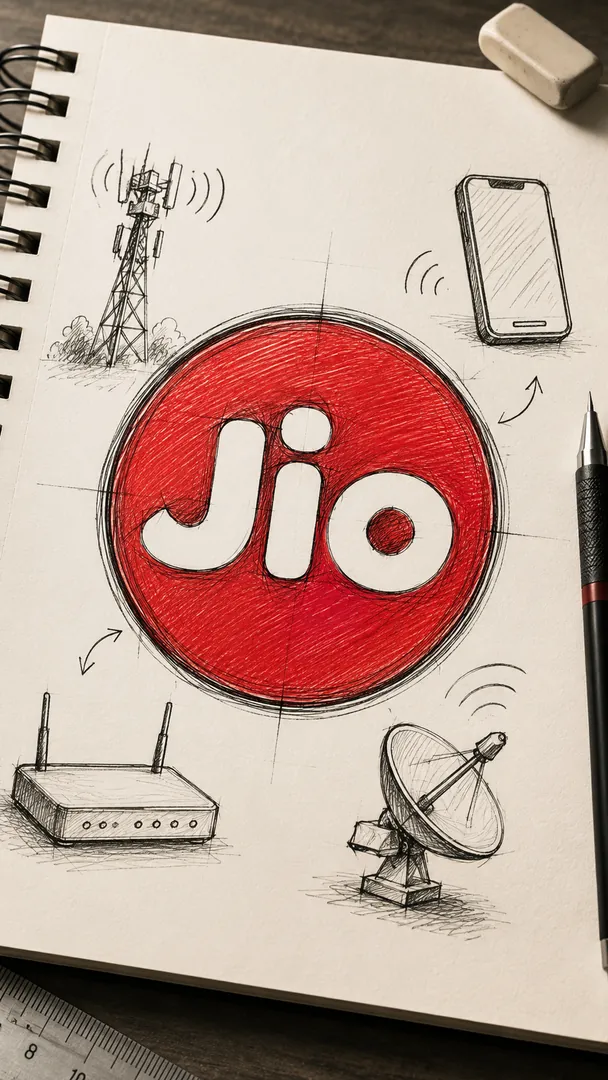

Hand-Drawn Sketch is an AI photo effect from the Custom Logo Design & Brand Art collection in the Trendy AI Lab app. Upload a selfie and the AI recreates it in this style in seconds, so you get a polished, share-worthy image with no editing skills needed.
Use a clear, well-lit photo where your face is easy to see. Front-facing selfies with a plain background give the AI the most to work with.
Choose this look in the Trendy AI Lab app — no design skills needed.
Add a photo from your gallery. It's used only to make your image.
Your AI image is ready in seconds — download or share it anywhere.
Open the Trendy AI Lab app, choose the Hand-Drawn Sketch style, upload a selfie, and the app generates your image in seconds.
Yes. You can earn free credits by watching rewarded ads, or buy credit packs in the app.
Trendy AI Lab is available on Android and iOS.
Your photo is sent to a third-party AI service only to generate your image, and the upload is deleted afterwards. It is never used for advertising.
Download Trendy AI Lab and create your first AI photo free with rewarded ads.
Coming soon